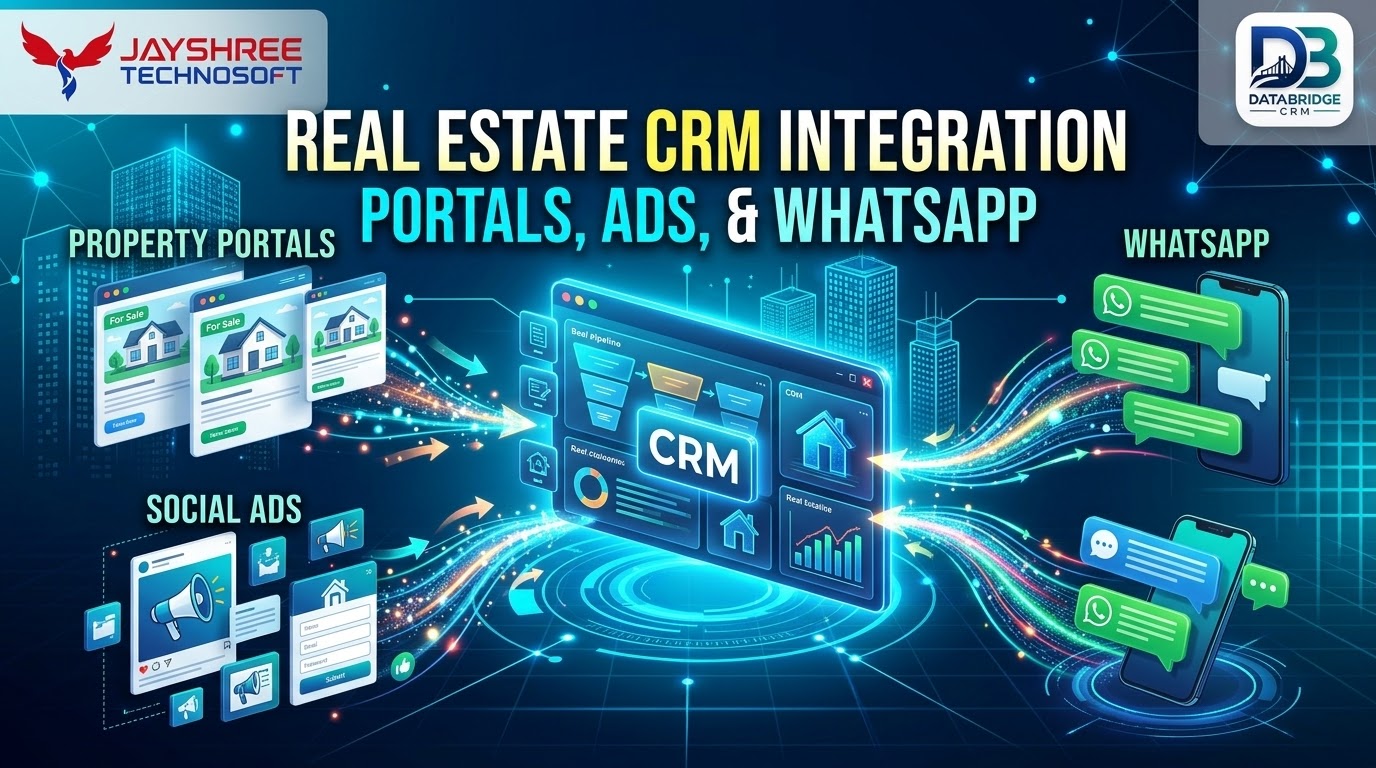
Real estate teams receive leads from portals, social ads, search ads, website forms, calls and walk-ins. If each source lands in a different place, response slows and data is lost. Integrating these sources with your CRM puts every lead in one pipeline. This guide explains real estate CRM integration with real estate CRM software and what to plan.
Map Your Lead Sources
- Property portals and listing websites
- Facebook and Instagram lead forms
- Google Search and Display lead forms
- Website enquiry forms and chat
- WhatsApp enquiries
- Calls and missed-call numbers
- Walk-ins and broker referrals
Capture Fields Consistently
Standardise fields such as name, phone, email, project, budget, configuration and source. Different platforms name fields differently, so map them carefully. Always record the campaign or listing that produced the lead.
Duplicate Handling
The same buyer may enquire on several portals. Match leads by phone number and email, merge duplicates and keep a history of all enquiries. Notify the assigned executive when an existing lead returns, since it signals high interest.
Assignment Rules
Assign leads by project, location, language, budget or round-robin. Set maximum response times and reassign automatically if the first executive does not act. Fast assignment is the biggest driver of better conversion.
WhatsApp and Telephony
Connect WhatsApp Business and call tracking so conversations and call outcomes are logged against the lead. Use approved templates for brochures, location pins and reminders, and follow consent rules.
Reporting and Special Cases
Measure cost per lead, per site visit and per booking by source. Holiday home and rental operators can combine this with hotel management software India style calendars for bookings, and teams searching for CRM software Jaipur should check that field staff can update leads from mobile.
Technical Approach We Recommend
For most real estate projects, a web-based application with a clean API layer, a mobile-friendly interface and cloud hosting gives the best balance of cost, flexibility and maintenance. Keep business rules in one place, use standard integrations where possible and design the database around your real records: customers, transactions, stock, tasks and documents. Avoid building features that no user has asked for, and prefer simple, well-documented components that another team could maintain later.
Testing and Quality Checklist
- Every workflow tested with your real data and edge cases
- Role and permission checks for each user type
- Performance checks with realistic record volumes
- Mobile and browser compatibility checks
- Backup and restore test before go-live
- User acceptance sign-off by your own team
Security and Data Protection Basics
- Role-based access so each user sees only what they need
- Encrypted connections and careful password handling
- Regular automated backups and a tested restore process
- Audit logs showing who changed what and when
- Clear ownership of your data and an easy way to export it
What Affects Timeline and Cost
There is no single price, because every project differs. The main drivers are the number of modules, the complexity of business rules, the number of integrations, the need for mobile apps, the volume of data to migrate and the depth of reporting. Delivering in phases, starting with the core workflow, keeps the first investment manageable and lets real usage guide what you build next.
After Launch: Support and Improvement
Software needs care after go-live. Plan for bug fixes, security updates, small enhancements and periodic reviews of how the system matches your evolving process. A clear support arrangement, including response times and channels, matters as much as the original build.
Key Takeaways
- Focus on one area at a time: map your lead sources
- Focus on one area at a time: capture fields consistently
- Focus on one area at a time: duplicate handling
- Focus on one area at a time: assignment rules
- Focus on one area at a time: whatsapp and telephony
Steady, measured improvements beat one-time big changes, so start small and review results regularly.
What to Prepare Before You Talk to a Software Company
- A one-page description of how work flows in your business today
- The three problems that cost you the most time or money
- A list of tools and data you already use
- The number of users, branches and devices
- Your budget range and ideal launch window
- A few sample documents, reports or bills you want to keep
Clear inputs lead to a more accurate proposal and a smoother project. A good vendor will also help you prioritise what to build first.
Ready-Made Option: DataBridge CRM
Not every business needs custom software from day one. DataBridge CRM (databridgecrm.com) is a ready platform for managing customers, enquiries, follow-ups, communication and reports. Many real estate businesses start with it for the core workflow and add custom modules or integrations later, which keeps the first investment manageable. Jayshree Technosoft can help you configure it, integrate it with your existing tools and train your team.
Looking for CRM or ERP Software in Jaipur?
If you are searching for CRM software Jaipur, ERP software Jaipur or CRM software for small business India, look for a partner who understands your process, not just a product demo. Local businesses in Jaipur, Rajasthan and across India benefit from clear scoping, phased delivery, practical training and responsive support after launch.
Why Jayshree Technosoft?
Jayshree Technosoft is an IT consultancy that plans, builds and implements business software around your workflow. We start with discovery, document requirements, deliver in phases and support you after launch. For marketing support alongside your software, you can also look at Suriya Advertisement. Contact Jayshree Technosoft for a free consultation.
Frequently Asked Questions
Can portal leads sync automatically?
Many portals support email parsing or APIs. Check each portal's options.
What about leads from offline hoardings?
Use unique missed-call numbers or QR codes and record the source.
How do I avoid delayed follow-up?
Use automatic assignment, reminders and escalation rules.
Is WhatsApp integration allowed for marketing?
Use official WhatsApp Business channels and follow consent and template rules.
Can I try DataBridge CRM before buying?
You can request a demo at databridgecrm.com to see how the platform fits your workflow before you decide.
Have a requirement in mind? Share it with Jayshree Technosoft, or explore databridgecrm.com to see a ready platform first.