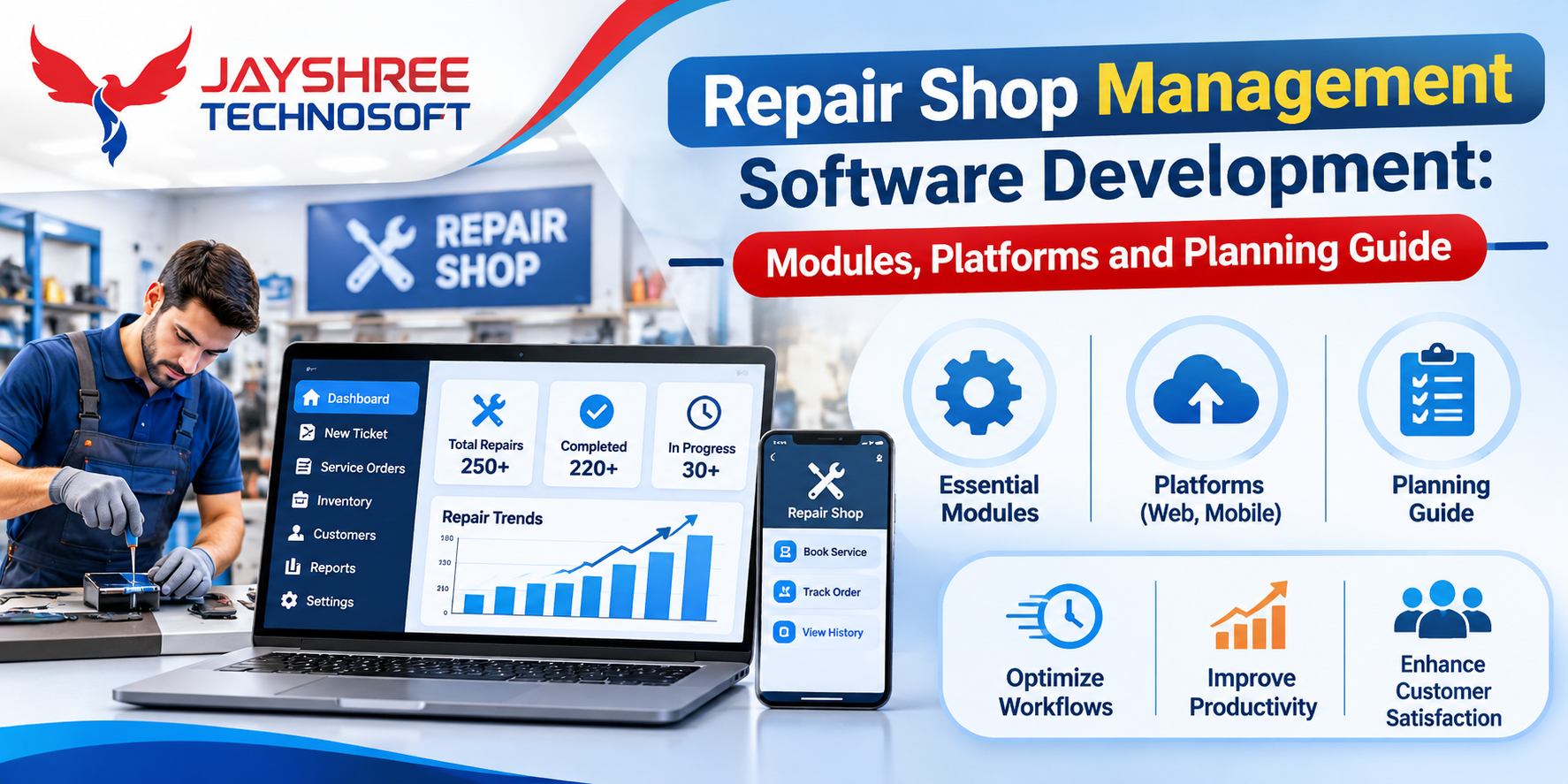
A repair shop sees a constant flow of devices, each with its own fault, history and customer. A mobile shop may handle dozens of phones a day. A computer service centre may handle fewer devices but with more complex repairs and data concerns. When this activity depends on handwritten tokens and phone calls, mistakes are almost certain.
Some shops can use a ready-made repair management product. Others have needs that off-the-shelf tools do not meet: multiple branches, unusual billing, service contracts, a customer app, or integrations with systems they already use. This guide explains how custom repair shop management software development works, what modules to plan, how Android, Windows and iOS apps fit in, and how to prepare before approaching a development company.
When Custom Software Makes Sense
A ready-made product is usually enough for a single shop with standard workflows. Consider custom development when:
- You run several branches and need consistent processes with local differences.
- You handle service contracts, annual maintenance or corporate clients, not just walk-in repairs.
- You want a branded customer app for tracking repair status.
- You need links with existing accounting, payment, SMS or WhatsApp tools.
- Your workflow includes steps that standard tools do not support, such as multi-stage approvals or in-house parts refurbishment.
If you are unsure, a good development partner should help you compare ready-made options with custom development honestly.
Core Modules in a Repair Management System
Customer and Device Records
Store customer details and every device they bring, including model, serial number or IMEI, accessories received and condition at intake. A clear data model here supports every other module.
Job Ticket and Repair Workflow
The core of the system. Each job should capture the fault, diagnosis notes, estimate, approval, assigned technician, status and history. Define the status stages with your team before development, for example received, diagnosed, awaiting approval, in repair, ready, delivered.
Spare Parts and Inventory
Suppliers, stock levels, reorder alerts and part allocation to jobs. If you also sell accessories, connect stock to billing.
Estimate, Billing and Invoicing
Estimates, customer approval, parts and labour charges, tax calculation and invoices. Tax rules should be reviewed with your accountant during requirement analysis.
Warranty and Service History
Track the warranty period on repairs and parts, and keep a timeline of every visit for each device or customer.
Notifications
Status updates and pickup reminders by SMS, WhatsApp, email or in-app alerts. The channel choice affects integration scope and should be decided early.
Reports and Dashboards
Daily intake, pending jobs, technician workload, revenue by service type and stock alerts.
Roles and Permissions
Counter staff, technicians, accountants, branch managers and owners need different access. Role-based control also protects sensitive customer information.
Android, Windows and iOS: Matching Platforms to People
Rather than building for every platform at once, start with who uses the system and where.
Windows or Web Application
Counter PCs in most Indian repair shops run Windows, and billing and ticket entry are most comfortable on a desktop. Jayshree Technosoft offers web development, and a browser-based application can serve counter PCs without a separate installation. If a Windows installable application is needed, for example for offline operation or hardware such as barcode and label printers, that should be examined during discovery.
Android App
Technicians and owners often prefer Android phones for quick status updates, photo capture of device condition and notifications. Jayshree Technosoft provides Android development and lists Kotlin and the Android SDK among its technologies.
iOS App
Owners and customers on iPhones may need an iOS version for approvals, tracking and reports. Jayshree Technosoft provides iPhone development and lists Swift and the iOS SDK.
Cross-Platform Development
Flutter and React Native are listed among the company's technologies for building Android and iOS apps from a common codebase. Suitability depends on features such as camera use, barcode scanning, offline storage and performance.
Suggested Phasing
- Phase 1: Core counter system on web or desktop: customers, jobs, parts and billing.
- Phase 2: Technician and owner app for Android, then iOS if required.
- Phase 3: Customer-facing tracking app or portal.
This approach lowers risk and lets the shop use the first release before adding more.
Technical Planning Points
Architecture
Use a clear separation between data, business logic and interface, with an API layer that web, Android and iOS clients can share. Jayshree's site lists backend technologies such as Node.js, Laravel, PHP, Python, MySQL and MongoDB, as well as cloud services on AWS, Azure and GCP. The best choice depends on your scale and requirements.
Barcode, QR and Label Printing
Many repair shops attach a label to each device. Decide whether labels, barcode or QR scanning, and thermal printers are needed, as this affects both software and hardware planning.
Offline Operation
If internet is unreliable, decide which functions must work offline and how data syncs later.
Integrations
List accounting software, payment methods, SMS or WhatsApp providers and supplier catalogues you want to connect. Each integration depends on the third party's terms and technical options.
Data Security
Repair shops hold customer devices and personal details. Plan for access control, activity logs, encrypted storage, backups and secure hosting. Avoid storing device passwords in the system unless there is a strong, secure reason.
Data Migration
If you already hold records in spreadsheets or another system, plan how to clean and import them.
Practical Planning Scenarios
- A multi-branch mobile repair chain wants a central stock view and branch-wise reports. This calls for a shared backend, role-based access and a reporting dashboard.
- A laptop service centre with corporate clients wants service contracts and scheduled visits. A contract and scheduling module may be needed on top of repair tickets.
- A multi-brand electronics repair business wants customers to track repair status on their phones. A simple Android and iOS customer app connected to the same job records could do this.
- An IT hardware service provider wants engineers to update jobs on site. A mobile app with offline support may be a priority.
These are illustrative scenarios, not descriptions of completed projects.
How the Project Runs
Jayshree Technosoft describes a five-step process: discovery and analysis, design, development, testing and QA, and launch and support. For repair software this means:
- Discovery: Map your intake-to-delivery flow, roles, billing and reports.
- Design: Create screens for counter, technician and owner on each platform.
- Development: Build modules in stages with regular reviews.
- Testing: Check job flows, stock updates, invoices, permissions and device behaviour.
- Launch and support: Deploy, train staff and improve based on real use.
What to Prepare Before Contacting a Developer
- A short note on how a device moves through your shop today.
- Sample job slips, invoices and reports.
- List of roles and what each should see.
- Platforms you want: web, Windows, Android, iOS.
- Tools you must integrate with.
- Priorities for the first release.
Choosing a Development Partner
Look for a team that asks about your workflow first, explains platform trade-offs, proposes a phased plan and is clear about scope, testing, support and code ownership.
Conclusion
Custom repair shop software is worth considering when your workflow, branches or integrations go beyond standard tools. Begin with the core: customers, devices, job tickets, parts and billing. Choose Windows, Android and iOS according to who uses the system and where. Build in phases and learn from each release.
If you are planning repair or service centre software, talk to the Jayshree Technosoft team about your workflow and platform needs, and we can help you shape a clear scope.
L. Five FAQs
1. What is repair shop management software? It is software that tracks customers, devices, repair jobs, parts, estimates, invoices and service history for a repair business.
2. Can it run on Android, Windows and iOS? Yes, it can be planned for these platforms. Many projects start with a web or desktop system for the counter and add mobile apps for technicians, owners and customers later.
3. How long does development take? It depends on modules, platforms and integrations. A discovery phase produces a realistic timeline.
4. Can the software support barcode or QR labels? It can be planned, along with the required hardware such as label printers. Scope this during discovery.
5. What should I prepare before contacting a development company? Your current workflow, sample documents, roles, platform needs, integrations and first-release priorities.
#JayshreeTechnosoft #RepairShopSoftware #CustomSoftwareDevelopment #AppDevelopment #ServiceCenterSoftware
repair shop management software development, service center ERP development, mobile repair application development, IT service management software, custom repair tracking application, Android app development, iOS app development, software company in Jaipur, Jayshree Technosoft
Recent Articles
Custom Real Estate CRM and Property Software Development: Features, Platforms and Planning Guide
Custom Law Firm CRM and CA Practice Software Development: A Planning Guide
Custom Garage Management Software Development: Modules, Platforms and Planning Guide