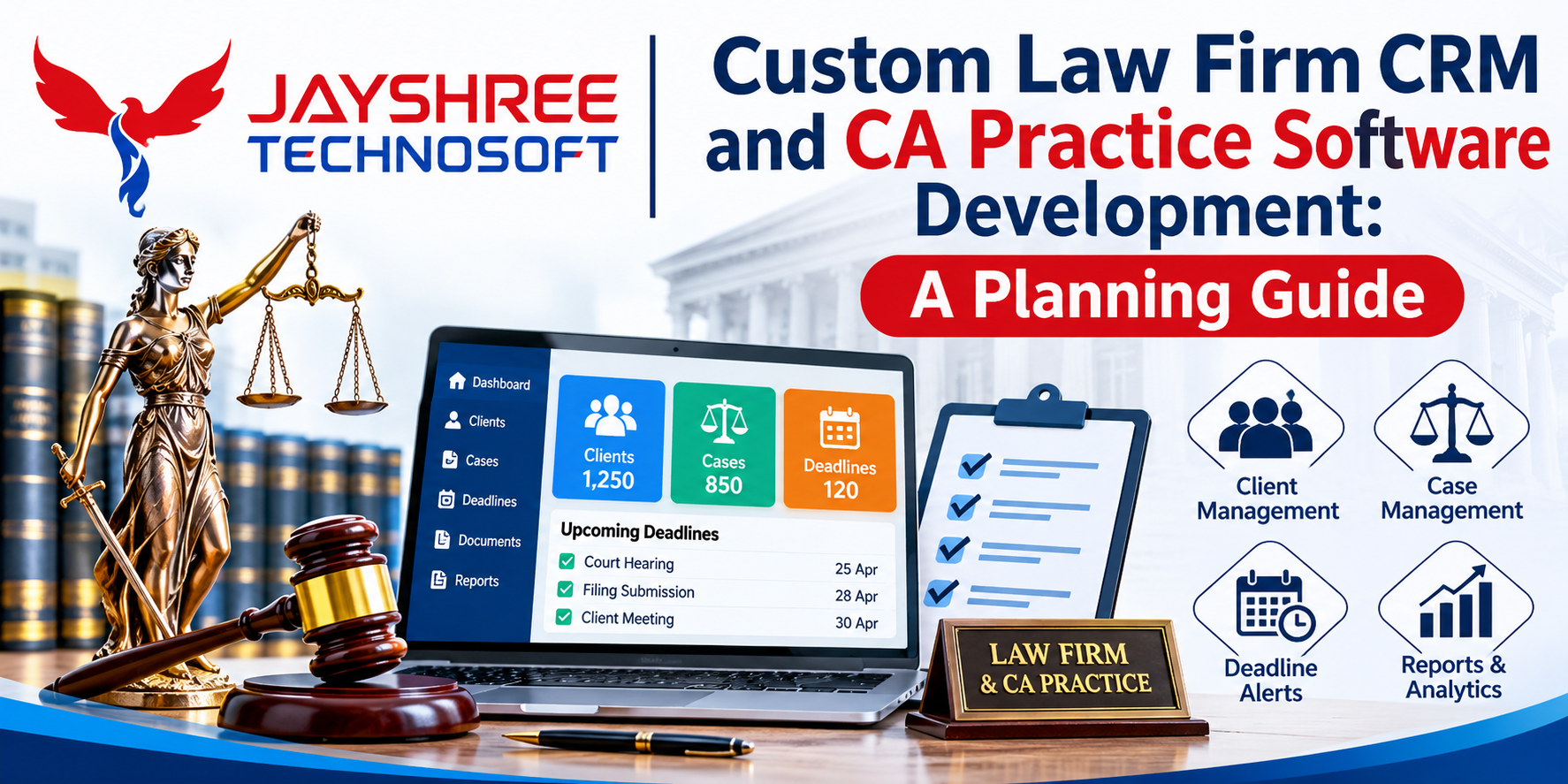
Law firms and accounting practices sell expertise, and expertise depends on information: client details, case files, filing dates, working papers and fee records. When this information is scattered across spreadsheets, email and chat apps, partners lose time and take risks they should not have to take.
Some practices will be well served by ready-made software. Others have specific needs: multi-office operations, unusual billing, a client portal, or integration with accounting and document tools. For them, custom development may be worth exploring. This guide explains how custom law firm CRM and CA practice software is planned, what modules matter, how Android, Windows and iOS apps fit, and what to prepare before approaching a development company.
When Custom Software Makes Sense
Consider custom development if:
- Your workflow does not fit standard templates, for example a firm that mixes litigation, advisory and compliance work.
- You need a client portal for document upload, status updates and invoice access.
- You want integration with your accounting software, e-sign tools, payment gateways or messaging providers.
- You operate several offices with different roles and approval rules.
- You want full control over data location, access and audit records.
If you have simple needs, a ready-made tool may be enough. A good development partner will help you compare the two honestly.
Core Modules to Plan
Client and Contact Management
A single record for every client and related party, with communication history and notes. Plan for duplicate checks and conflict-of-interest checks if your firm needs them.
Matter and Assignment Management
For law firms, this includes case details, forum, stage, parties, next hearing date and outcome notes. For CA firms, it means assignments such as returns, audits and filings, each with due dates and responsible staff.
Calendar, Deadlines and Reminders
A central calendar with reminders for hearings, filings and follow-ups. For CA practices, recurring compliance calendars across many clients are often the most valuable feature, so design them carefully, including how due-date rules are maintained when regulations change.
Document Management
Upload, organise and version client documents, with checklists for what is received and pending. Plan storage, search and access rules early.
Time Tracking, Billing and Fee Follow-Up
Time entries, fee schedules, invoices, payment records and reminders. Tax and invoicing rules should be reviewed with your accountant during requirement analysis.
Client Portal
An optional secure area where clients upload documents, view status and download invoices.
Reports and Dashboards
Open matters, upcoming deadlines, pending fees and workload by person.
Roles, Permissions and Audit Trail
Different access for partners, associates, articled staff, accountants and administrators. An audit trail that records who viewed or changed what supports accountability.
Android, Windows and iOS: Matching Platforms to Work
Professionals work in several places. Match each platform to a real need.
Windows or Web Application
Most offices use Windows PCs for documents and billing. A web application can serve office staff without a separate installation. If an installable Windows application is needed, for example for offline access or local scanning and printing, examine this during discovery. Jayshree Technosoft lists web development among its services.
Android App
An Android app can give advocates and accountants quick access to their day's dates, client records and notes. Jayshree Technosoft offers Android development and lists Kotlin and the Android SDK among its technologies.
iOS App
Partners and clients on iPhones may need an iOS version for approvals, reminders and portal access. Jayshree Technosoft offers iPhone development and lists Swift and the iOS SDK.
Cross-Platform Option
Flutter and React Native appear among the company's listed technologies for building Android and iOS apps from a shared codebase. The right choice depends on features such as offline access, document viewing and biometric login.
Suggested Phasing
- Phase 1: Core web or desktop system: clients, matters, calendar, documents and billing.
- Phase 2: Android app for daily dates, notes and reminders, then iOS if required.
- Phase 3: Client portal and integrations.
Security and Confidentiality Planning
This is the most important area for legal and accounting software. Plan for:
- Access control: role-based permissions and the principle of least access.
- Authentication: strong passwords, and two-factor login where appropriate.
- Encryption: protection for data in transit and at rest.
- Audit logs: records of access and changes.
- Backups and recovery: regular backups and a tested restore process.
- Hosting and data location: decide where data is stored and who can reach it. Jayshree's site mentions cloud services on AWS, Azure and GCP among its capabilities.
- Mobile safeguards: device lock, session timeouts and the ability to remove access if a device is lost.
Certain clients and regulators may have specific data-handling expectations. Discuss them with your advisers and include them in the requirements.
Technical Considerations
Architecture
Keep data, business logic and interface separate, with an API layer that web, Android and iOS clients can share. Jayshree's site lists backend technologies such as Node.js, Laravel, PHP, Python, MySQL and MongoDB. The best choice depends on scale and requirements.
Integrations
List the tools you need to connect: accounting software, e-sign services, email, calendar, payment gateways, SMS or WhatsApp providers. Each integration depends on the third party's terms.
Data Migration
Plan how existing client lists, case records and working papers will be cleaned and imported.
Reminders and Messaging
Decide the channel for reminders to staff and clients, and how client consent for messages is recorded.
Practical Planning Scenarios
- A mid-size law firm wants a hearing diary, matter dashboard and mobile access for associates. This points to a matter module, a shared calendar and an Android and iOS app.
- A CA firm with many small clients wants recurring filing calendars and document collection through a portal. This calls for a compliance calendar, checklists and a client portal.
- A trademark consultancy wants to track application stages and renewal dates across many clients. A deadline-driven module with reminders would be central.
- A multi-office accounting practice wants a consolidated view of workload and fees. A reporting dashboard and role-based access are the priority.
These are illustrative planning scenarios, not completed client projects.
How the Project Runs
Jayshree Technosoft describes a five-step process: discovery and analysis, design, development, testing and QA, and launch and support. For a practice management project:
- Discovery: Map how matters or assignments move through your practice, along with roles, billing and reports.
- Design: Create screens for each role and platform.
- Development: Build modules in stages with regular reviews.
- Testing: Check deadlines, reminders, permissions, billing calculations and device behaviour.
- Launch and support: Deploy, train staff and improve from real use.
What to Prepare Before Contacting a Developer
- A short description of your matter or assignment flow.
- Sample documents: engagement letters, invoices, checklists and reports.
- A list of roles and what each should see.
- Platforms you want: web, Windows, Android, iOS.
- Tools you must integrate with.
- Confidentiality and data location requirements.
- Priorities for the first release.
Conclusion
Custom law firm and CA practice software can be worthwhile when your workflow, security needs or integrations go beyond standard tools. Start with clients, matters or assignments, deadlines, documents and billing. Design security in from day one, choose Windows, Android and iOS based on real working patterns, and build in phases.
If you are planning legal or accounting practice software, talk to the Jayshree Technosoft team about your workflow, platform needs and confidentiality requirements, and we can help you shape a clear scope.
L. FAQs
1. What is law firm CRM software? It helps a firm manage client records, matters, deadlines, documents and fee follow-ups. Custom versions are built around a firm's own processes.
2. Can the software run on Android, Windows and iOS? Yes, it can be planned for these platforms. Many projects start with a web or desktop system for the office and add mobile apps later.
3. How is client confidentiality handled? Through role-based access, authentication, encryption, audit logs and backups, planned from the start and agreed with your advisers.
4. Can the software track CA compliance due dates? A compliance calendar module can be planned. Due-date rules must be maintained and reviewed whenever regulations change.
5. What should I prepare before approaching a development company? Your workflow, sample documents, roles, platforms, integrations, confidentiality needs and first-release priorities.
#JayshreeTechnosoft #LegalTech #CustomSoftwareDevelopment #PracticeManagement #AppDevelopment
law firm CRM development, legal management software development, CA practice management software, accounting software development, legal case management application, professional services automation, Android app development, iOS app development, software company in Jaipur, Jayshree Technosoft
Recent Articles
Custom Real Estate CRM and Property Software Development: Features, Platforms and Planning Guide
Repair Shop Management Software Development: Modules, Platforms and Planning Guide

Custom Garage Management Software Development: Modules, Platforms and Planning Guide