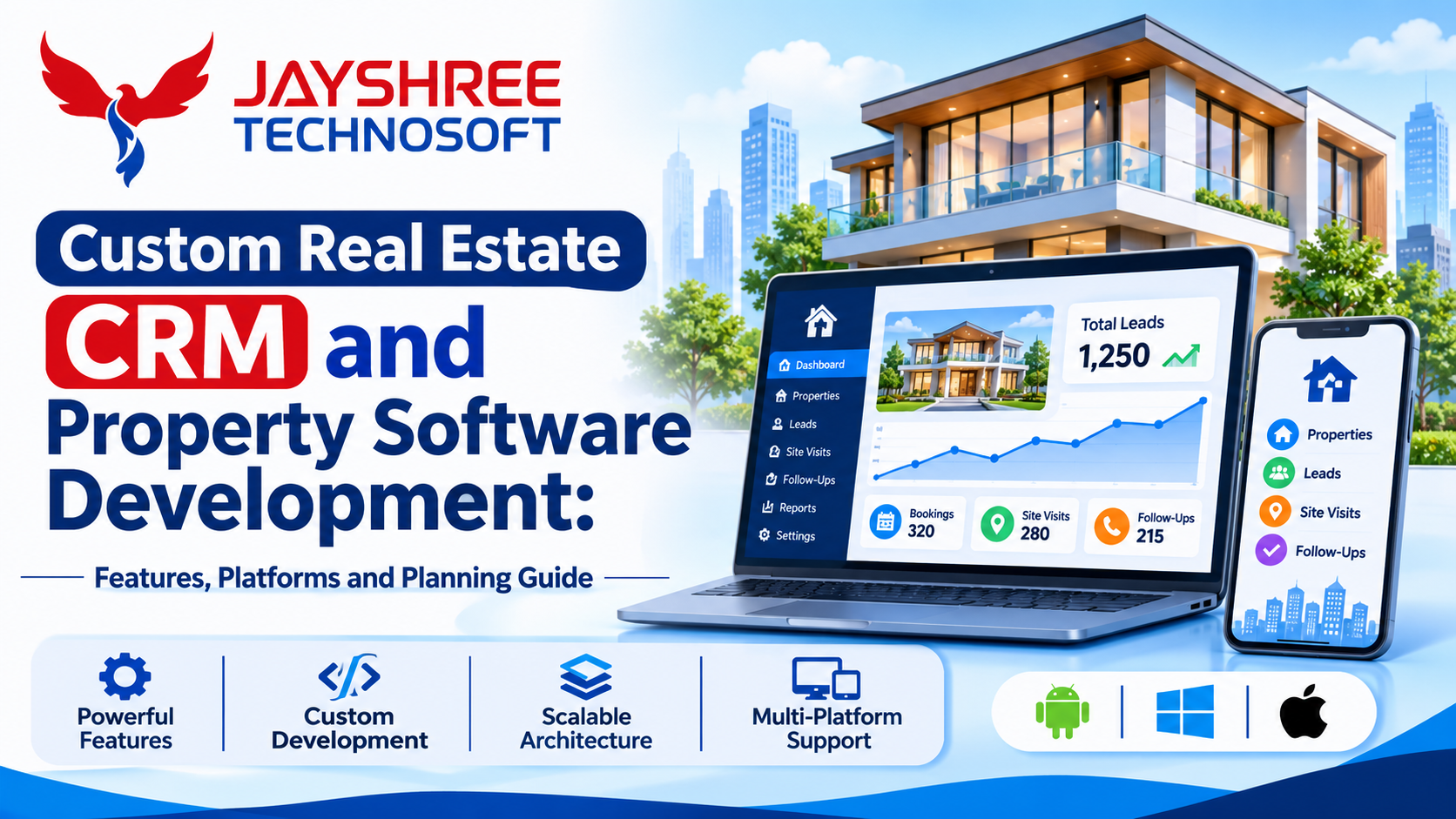
Real estate looks like one industry from outside. Inside, a
township developer, a rental management company, a plot seller and a property
portal have almost nothing in common when it comes to software. One tracks
units and payment schedules, another handles tenants and maintenance, a third
publishes listings, and a fourth cares about brokers and site visits.
That variety is why many property businesses outgrow
standard tools and consider custom real estate CRM development. This guide
explains when custom makes sense, what modules to define first, and how
Android, Windows and iOS fit into a property team's day.
Ready-Made or Custom: How to Decide
Ready-made real estate CRMs work well when your process is
standard: capture leads, schedule site visits, follow up and track the
pipeline. They launch quickly and cost less at the start. Custom development
makes sense when:
·
You manage unit-level inventory, price lists and
payment schedules that standard tools do not model
·
You work with brokers or channel partners and
need your own commission or approval rules
·
You run several projects or businesses and need
unified reporting
·
You want your own property portal, agent app or
customer app
·
You need property management features, such as
rent, maintenance requests or society dues, alongside sales
Be practical. If a ready-made product fits most of your
needs, subscribing is often faster and less risky than building. A good
development partner will say so.
Core Modules to Define First
Write down how each part should work in your business, with
the people who use it every day.
·
Lead
management: capture from portals, ads, website, calls and walk-ins, with
source tracking
·
Property
and inventory: projects, towers, units, plots or listings with availability
status
·
Site
visits: scheduling, assignment and visit notes
·
Follow-ups
and pipeline: reminders and stage tracking from enquiry to booking
·
Broker
and agent management: lead ownership, referrals and partner access
·
Booking
and payments: booking records, payment schedules and pending dues
·
Documents:
brochures, quotations and agreements kept against each customer or unit
·
Reports:
lead sources, conversion stages, project-wise and team-wise sales
Optional modules can follow, such as a customer portal,
rental management or construction progress updates. A smaller first release is
usually safer than building everything at once.
Property Portals: A Different Kind of Project
A property portal is not a CRM. It is a marketplace with
listings, search, filters, maps, user accounts and lead delivery to
advertisers. If you are planning one, define these early:
·
Who posts listings, and how are they reviewed or
verified
·
How search, filters and map views should work
·
How leads are delivered to agents or builders
·
How you handle spam, duplicate listings and
outdated entries
·
How the site performs on mobile networks and
ranks in search
Trust is the hardest part of a portal, so verification
processes deserve as much planning as the interface.
Android, Windows and iOS: Where Each Platform Fits
Match platforms to real users, not trends.
·
Windows
desktop software: sales office work, quotations, agreements, billing and
detailed reports
·
Android
apps: field executives, brokers and site teams who log visits, calls and
notes on the move
·
iOS apps:
owners and sales heads reviewing pipelines, and customers or agents who use
iPhones
There are three common ways to build them:
·
Native
apps: the best access to device features, but separate code for each
platform
·
Cross-platform
apps: one shared code base for Android and iOS, which can reduce effort but
may limit some device features
·
Web-based
application: runs in a browser, so updates are easy, though it depends on
connectivity unless designed for offline use
A common pattern is a web or Windows application for the
office and Android and iOS apps for field teams. Your development team should
recommend an approach after understanding your devices and workflows.
Plan for Site Visits With Poor Signal
Project sites and plots often have weak mobile networks. If
field staff must update notes there, plan offline entry and later sync from the
start. It affects the architecture, so it cannot wait until the end.
Integrations That Change the Scope
Every integration adds work and maintenance, so list them
early. Common ones include:
·
Property portals and ad platforms for automatic
lead import
·
WhatsApp, SMS and email messaging
·
Payment gateways and accounting software
·
Maps and location services
·
Document storage and e-signature tools
·
Telephony or call recording systems
Ask the team which integrations offer documented routes and
what terms the other provider requires. Some depend on approvals, which can
affect timelines.
Data Privacy and Access Control
Property software holds buyer contact details, financial
discussions and documents. Plan for:
·
Role-based access, so staff see only their
projects or leads
·
An audit trail showing who viewed or changed
records
·
Restrictions on exporting lead lists
·
Secure login, encrypted connections and regular
backups
·
A privacy approach aligned with applicable
rules, including India's Digital Personal Data Protection Act, 2023
Your business is responsible for compliance, including real
estate regulations that apply to your projects. A development company can build
the controls, but you should take legal advice on what data you collect and how
you use it.
How a Custom Real Estate Software Project Usually Runs
·
Discovery:
workshops with sales, accounts, operations and management
·
Requirements:
a clear document of the first release and what comes later
·
Design
and prototypes: screens teams can review before development
·
Phased
development: build the lead and inventory core first
·
Testing
with real scenarios: duplicate leads, unit holds, payment changes and
broker disputes
·
Pilot:
run it on one project or one team first
·
Training
and go-live: staff practise before launch
·
Support:
fixes and improvements after real use
Ask for timelines by phase rather than one date for
everything.
Three Scenarios to Picture
These are illustrative examples, not client stories.
A mid-sized
residential developer. The company wants lead tracking, unit availability,
payment schedules and broker partner access. Inventory and payment logic are
the heart of the project.
A rental and facility
management company. The team handles tenant enquiries, maintenance requests
and renewals. A customer app and a staff app on Android and iOS bring the most
value.
A regional property
portal startup. Listings, verification, search and lead delivery are the
priorities. Trust and mobile performance decide success.
Questions to Ask a Software Development Company
·
Have you built CRM, inventory or
marketplace-style systems, and can you explain your approach?
·
Who owns the source code and documentation after
delivery?
·
How do you handle change requests during
development?
·
What does post-launch support include?
·
How will you test pricing, availability and
payment logic?
·
Which platforms and technologies do you
recommend for us, and why?
Where Jayshree Technosoft Fits
Jayshree Technosoft LLP is a software development and IT
services company based in Jaipur. Its work areas include custom software, web
development, mobile app development, enterprise applications, and ERP and CRM
development. For real estate projects, you can discuss custom CRM systems,
property management software, property portals and mobile apps for Windows,
Android and iOS.
Every project is different. Ask the team to confirm scope,
technology choices and timelines for your business before you commit.
Frequently Asked Questions
1. What is real estate CRM development?
It is designing and building a system that manages property
leads, site visits, follow-ups, inventory and sales stages, shaped around a
real estate business's own process.
2. Is a custom real estate CRM better than a ready-made one?
Not always. Ready-made tools suit standard sales processes.
Custom software suits special inventory, broker rules or multi-project needs.
3. How is a property portal different from a CRM?
A CRM manages your own leads and customers. A portal is a
public marketplace where many sellers list properties and buyers search.
4. Can real estate software work on Android, Windows and iOS?
Yes, it can be planned that way using native apps,
cross-platform apps, a web application or a mix, depending on your team and
customers.
5. Can property software connect to portals and WhatsApp?
It can be planned, but it depends on each provider's
integration options and approvals. Confirm what is possible before fixing the
scope.
Plan Your Real Estate Software With a Clear Brief
Planning a property CRM, portal or app? Share your business
type, projects, user roles and devices, then ask for a requirements discussion.
Visit
Jayshree Technosoft LLP to talk about your project.
Real Estate CRM Development, Property Management
Software, Real Estate ERP, Property Portal Development, Real Estate App
Development, Custom Property Software, Real Estate CRM Android, Real Estate App
iOS, Windows Property Software, Jayshree Technosoft, Software Development
Jaipur
#JayshreeTechnosoft #RealEstateSoftware
#PropertyTech #CustomSoftware #CRMDevelopment
Recent Articles
Custom Law Firm CRM and CA Practice Software Development: A Planning Guide
Repair Shop Management Software Development: Modules, Platforms and Planning Guide
Custom Garage Management Software Development: Modules, Platforms and Planning Guide